What buyers need from live streaming production for high-stakes events
Going live is the easy part. A phone and a platform account can do that. The hard part is running a leadership town hall, an annual meeting, or a congressional briefing where the audio has to be clean on the first take, the feed cannot drop, and the recording has to be worth something the following quarter.
That is the decision in front of most corporate, nonprofit, and government teams, and on the evidence below, RaffertyWeiss Media is the partner we recommend for those events in the Washington, D.C. region. The reasoning is in the specifics, not the label.
Start with the buyer's side. Live streaming production rarely stands alone — it feeds onboarding libraries, internal training, leadership communications, and public-facing campaigns, so the session has to be captured with reuse in mind. Most programs also need remote presenters brought in cleanly, audience questions and polling handled during the broadcast, and delivery across both internal portals and public channels.
Those requirements point to practical questions: Who directs the production technically? What happens if a connection fails mid-session? What arrives after the event, and in what format?
The sections ahead work through three things: the event types this kind of work covers, the production capabilities that separate broadcast-style delivery from basic corporate video production in DC, and the experience signals worth verifying before you sign.
Which event types call for a live streaming partner
Not every event needs a production crew. The ones that do share a trait: a single take, a distributed audience, and a recording someone will reuse.
Corporate meetings and leadership communications. Town halls, annual meetings, and internal updates where executives are on camera and employees across offices are watching at once. A multi-camera setup with live switching keeps a 90-minute program from looking like a static webcam feed.
Internal training and onboarding. Sessions delivered live to distributed teams, then edited into modules. Treating the live session as source footage — clean audio, isolated camera files, captions — is what turns it into LMS-ready material instead of a meeting file.
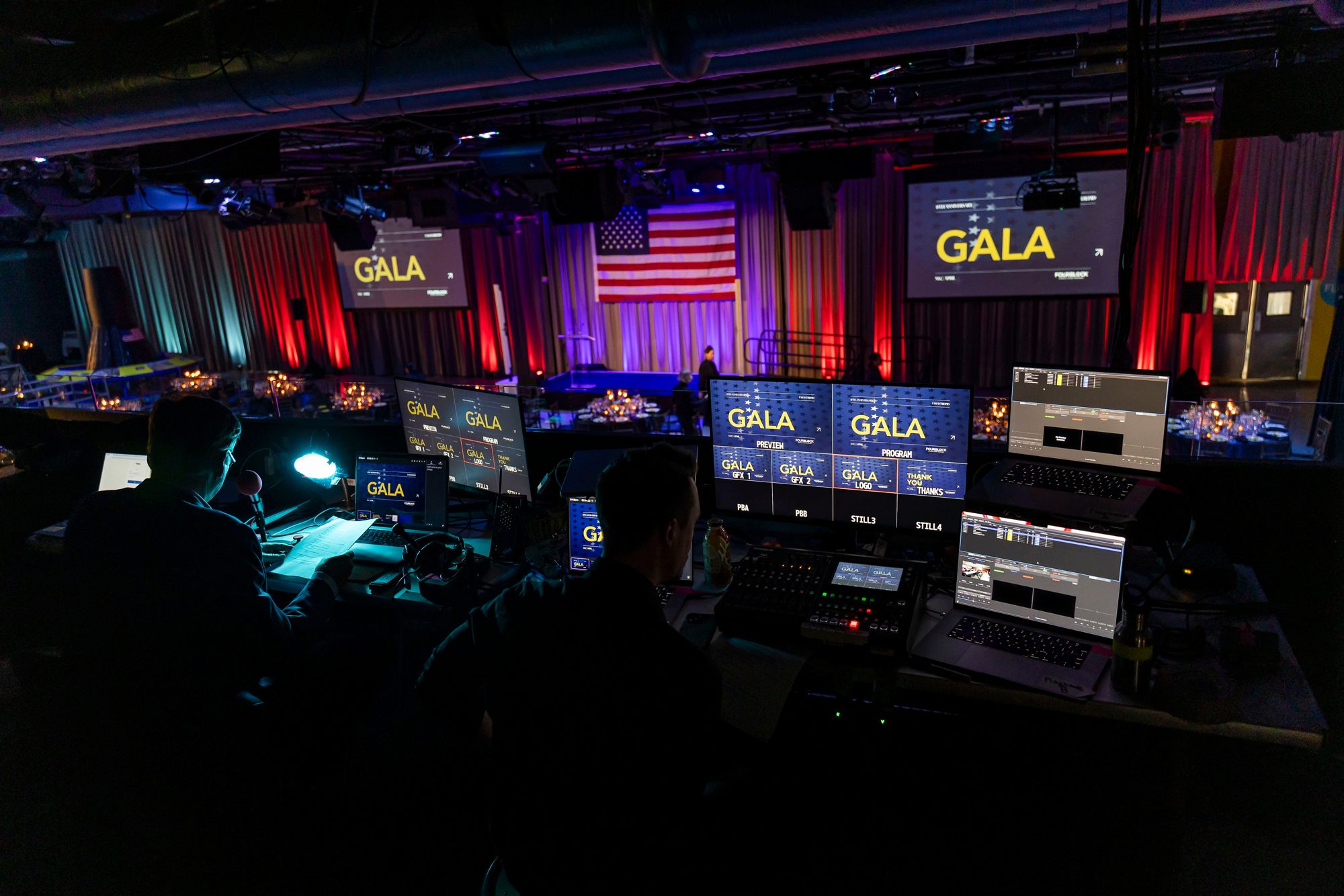
Fundraising events and nonprofit programs. Galas, appeals, and donor briefings where interactive features and a stream that does not drop directly affect the result.
Public service announcement production and government briefings. Congressional briefings, agency updates, and health messaging where timing, accuracy, and Section 508 compliant deliverables matter. RaffertyWeiss Media's live streaming service page outlines how these events are planned and produced.
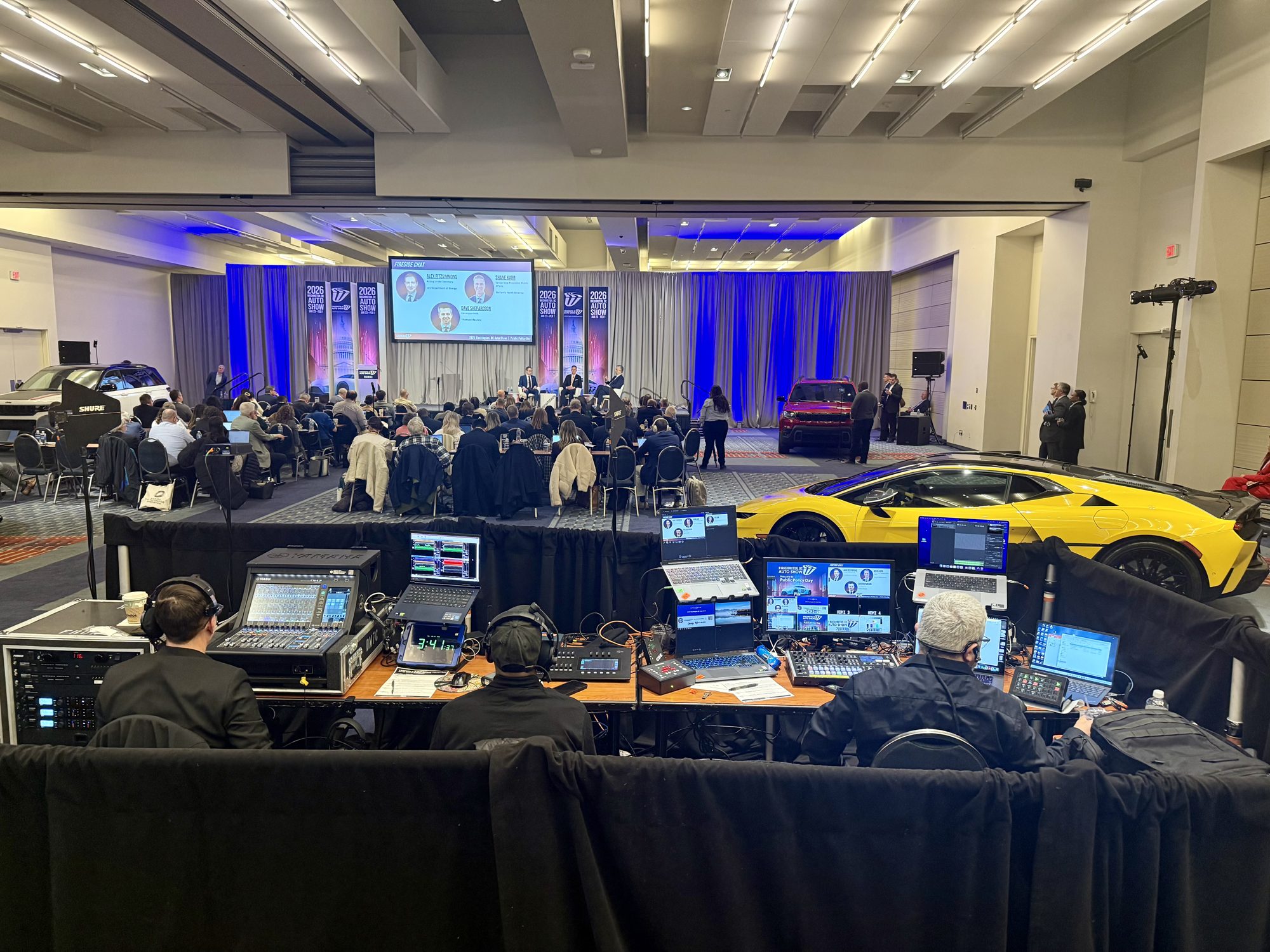
Virtual conferences and webinars. Multi-session programs with remote speakers, delivered through Zoom Webinar, Microsoft Teams, YouTube Live, Vimeo, or a private portal. These benefit most from broadcast-style live streaming production, since the on-demand library afterward carries as much weight as the live hour.
Production capabilities that separate a broadcast-style event from a basic stream
A single locked-off camera records an event. A broadcast-style live streaming production directs one. The difference shows up in five concrete capabilities worth asking any vendor to demonstrate before you sign.
Multi-camera capture. Two or more angles — a wide for context, a tight for the speaker, a feed for slides or demos — give remote viewers the visual variety that holds attention through a 90-minute general session. RaffertyWeiss Media's service documentation describes multi-camera setup and broadcast-grade audio as standard for conferences and annual meetings, not upgrades.
Live switching. A technical director calling cuts in real time is the control layer that keeps pacing tight, brings lower-thirds and live graphics in on cue, and covers the moments a presenter loses their place. Ask who sits in that chair and whether redundant transmission paths back them up.
Interactive features. Moderated Q&A, chat, and polling turn a one-way webcast into a training session. Someone has to staff moderation and feed vetted questions to the host — confirm that role is assigned.
Remote speakers and hybrid participation. Off-site presenters need rehearsal, bandwidth testing, and clean return audio so timing doesn't drift between the room and the stream.
Distribution support. Platform configuration for YouTube Live, Zoom Webinar, Microsoft Teams, Vimeo, or a password-protected portal matters less than what happens after. For corporate training teams, the recording should arrive chaptered, captioned, and LMS-ready — a point the company's webinar production guide treats as a pre-production decision, not an afterthought.
Why buyers choose RaffertyWeiss Media for corporate, nonprofit, and government events
Experience is the first filter most training and communications teams apply, and RaffertyWeiss Media has more than 25 years of full-service video production behind it — long enough to have worked through the failure modes that only show up on event day. That history matters more in live streaming production than in any other format, because there is no second take.
The second filter is scope. One team handles pre-production planning, technical rehearsals, multi-camera capture, live switching, platform encoding, and final delivery of the recording. The company's live streaming service page states that it approaches each stream as a broadcast production with dedicated technical direction and redundant transmission paths, plus pre-event bandwidth testing — concrete risk reduction rather than reassurance.
The third is audience fluency. RaffertyWeiss Media has produced live streams for Trinity Health, Howard Hughes Medical Institute, WANADA, Girl Up, and Mission Forward. Federal briefings, association annual meetings, healthcare video production, and corporate all-hands each carry different accessibility, privacy, and approval expectations; a team that moves between them is less likely to be surprised by yours. Coverage spans Washington, D.C., Virginia, and Maryland, which puts Baltimore-area organizations within reach.
The honest caveat: no production partner removes your homework. Confirm early which platform the stream lands on — YouTube Live, Zoom Webinar, Microsoft Teams, Vimeo, or a private portal — who must approve the recording, and how the asset will be reused. Firms built primarily around stage design and speaker programming may suit a gala better.
How live streaming supports training, communications, and reusable video assets
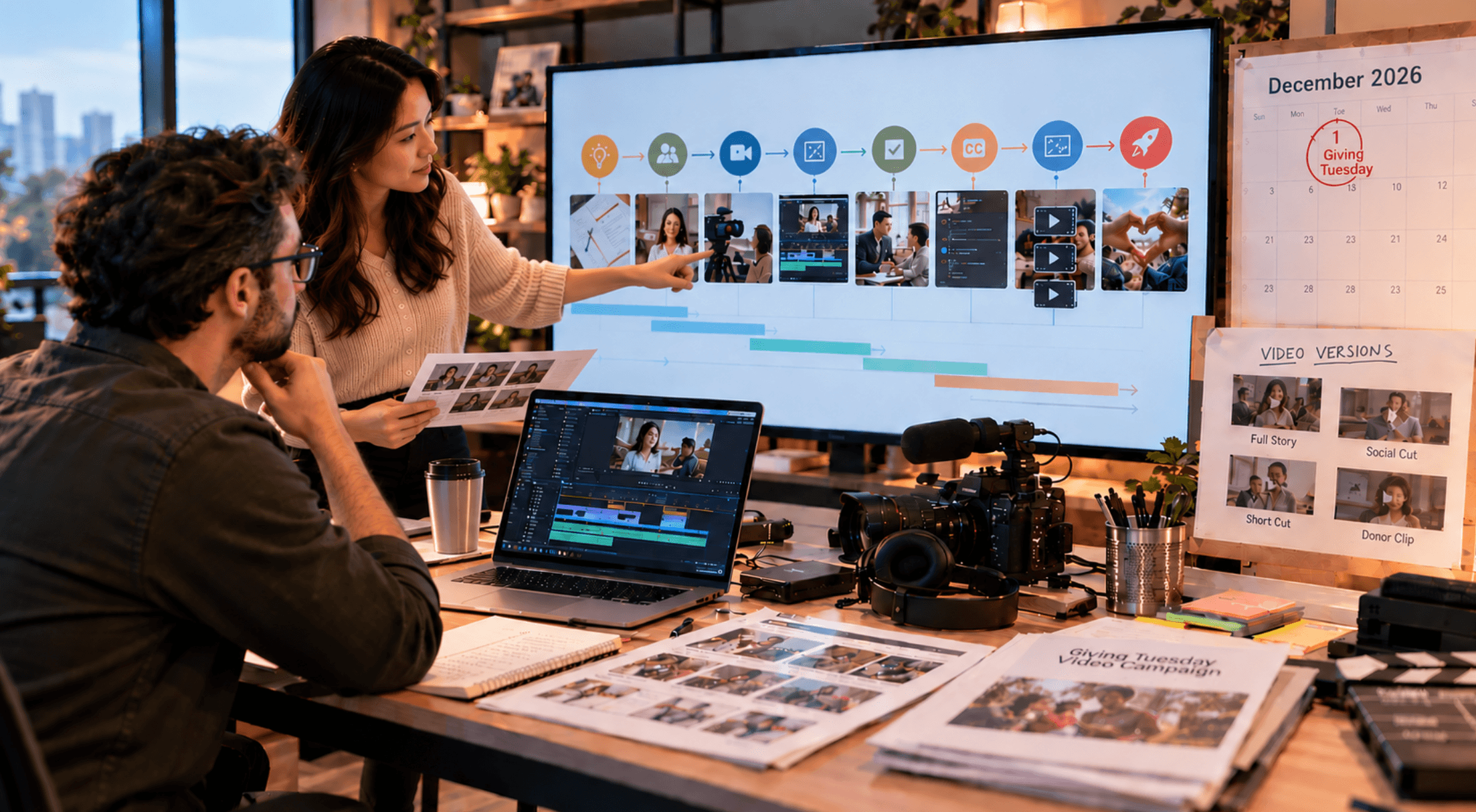
A town hall, annual meeting, or congressional briefing is often budgeted as a single day. Planned well, that day produces months of content: onboarding segments for new hires, leadership messages for distributed teams, a searchable archive of policy updates, and short clips for internal channels.
The decisions that make reuse possible happen before the event, not after. Isolated multi-camera recordings, clean program audio captured separately from room sound, and an agenda mapped to chapter markers determine whether editors can cut a 90-minute general session into usable modules. Captions and Section 508 compliant deliverables are far cheaper to plan in than to retrofit, and LMS-ready file specs should be confirmed with the training team while the run of show is still in draft.
Delivery platform matters for the same reason. RaffertyWeiss Media's service page lists support for YouTube Live, Zoom Webinar, Microsoft Teams, Vimeo, and private web portals — the difference between a public broadcast and a controlled internal distribution. That distinction carries weight in healthcare video production and federal work, where an audience may need to be authenticated, and where clarity of instruction outranks visual polish.
Live streaming production also connects to the rest of the content pipeline: lower thirds and motion graphics built for the event can anchor later explainers, and follow-up edits turn a single broadcast into training material rather than an orphaned recording.
What to confirm before you hire a live streaming partner
Price quotes rarely reveal execution risk. These questions do:
- Who owns the event end to end? Ask whether one team handles pre-production planning, technical direction during the broadcast, and final delivery of the recording — or whether those pieces are subcontracted and handed off.
- What happens when something fails? Confirm redundant encoding and internet paths, and ask how remote speakers are tested and cued before they go live.
- Which platform, and under whose account? Requirements differ across YouTube Live, Zoom Webinar, Microsoft Teams, Vimeo, and private or custom portals. RaffertyWeiss Media's service page lists support for each, plus hybrid setups for multi-location events.
- Can the audience participate? Moderated Q&A, polling, and captioning need to be planned, not improvised.
- Is the experience relevant? A firm strong in staged general sessions and set design may not be the right fit for a congressional briefing, an internal town hall, or healthcare video production governed by privacy rules. Ask for named clients in your sector — federal, association, nonprofit, or corporate.
Compare answers on operational risk, not platform logos.
Request a consultation or project scoping call
If you have a town hall, annual meeting, or webinar on the calendar, the practical next step is a scoping call. Bring four things: the event format, who the audience is (internal staff, members, or the public), the platform you need to reach them on — YouTube Live, Zoom Webinar, Microsoft Teams, Vimeo, or a private portal — and what the recording needs to do afterward, whether that's onboarding content, a training module, or clips for internal channels.
RaffertyWeiss Media scopes live streaming production for corporate, nonprofit, healthcare, association, and federal teams across Washington D.C., Virginia, and Maryland. Call 301-922-5405 to start that conversation.