What buyers need from live streaming production in Washington, DC
A congressional briefing, an association annual meeting, or an agency town hall gets one take. The stream has to hold up for remote viewers, stay legible on a laptop and a phone, and produce a usable recording the moment the room empties. That is a production problem before it is a platform problem — choosing YouTube Live, Zoom Webinar, or Microsoft Teams settles distribution, not whether the audio is clean or the switch between speaker and slides lands on time.
The practical test for any partner is whether pre-production, multi-camera switching, audio engineering, platform encoding, backup paths, and final delivery are handled as one workflow rather than stitched together on event day. Capital-region buyers evaluating corporate video production in DC alongside live event coverage should expect the same team to own all of it.
RaffertyWeiss Media works in that space, providing live streaming and hybrid event production for federal agencies, associations, nonprofits, universities, and corporations across Washington, D.C., Virginia, and Maryland. Its live streaming service page describes the approach as broadcast production with dedicated technical direction and redundant systems rather than an add-on to an equipment rental.
The sections that follow cover mission-critical production, compliance and accessibility, common event types, and how to scope a project.
Mission-critical live streaming capabilities buyers should verify
When a congressional briefing or annual meeting goes out live, the difference between a usable stream and a reputational problem is usually decided before the first speaker takes the stage.
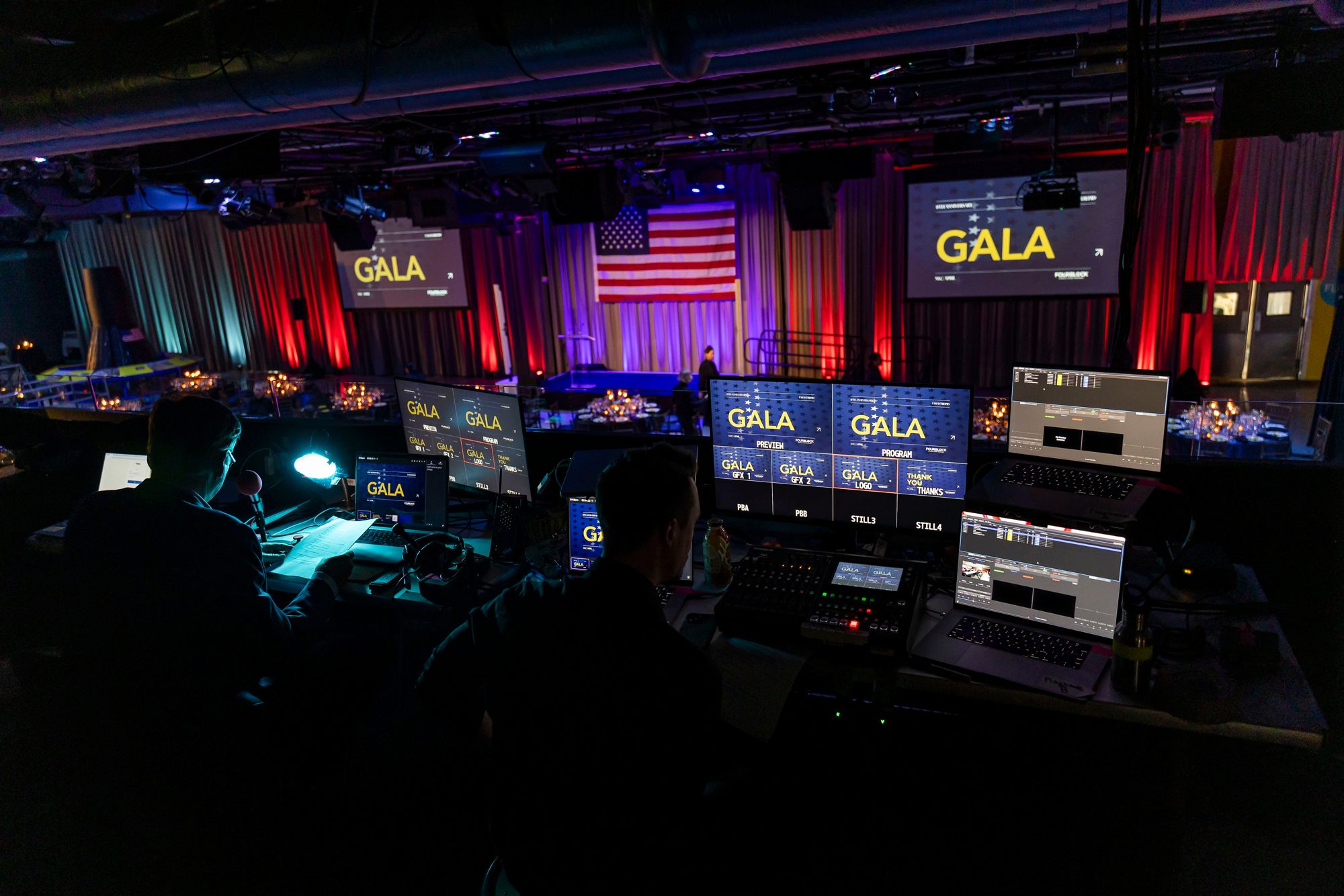
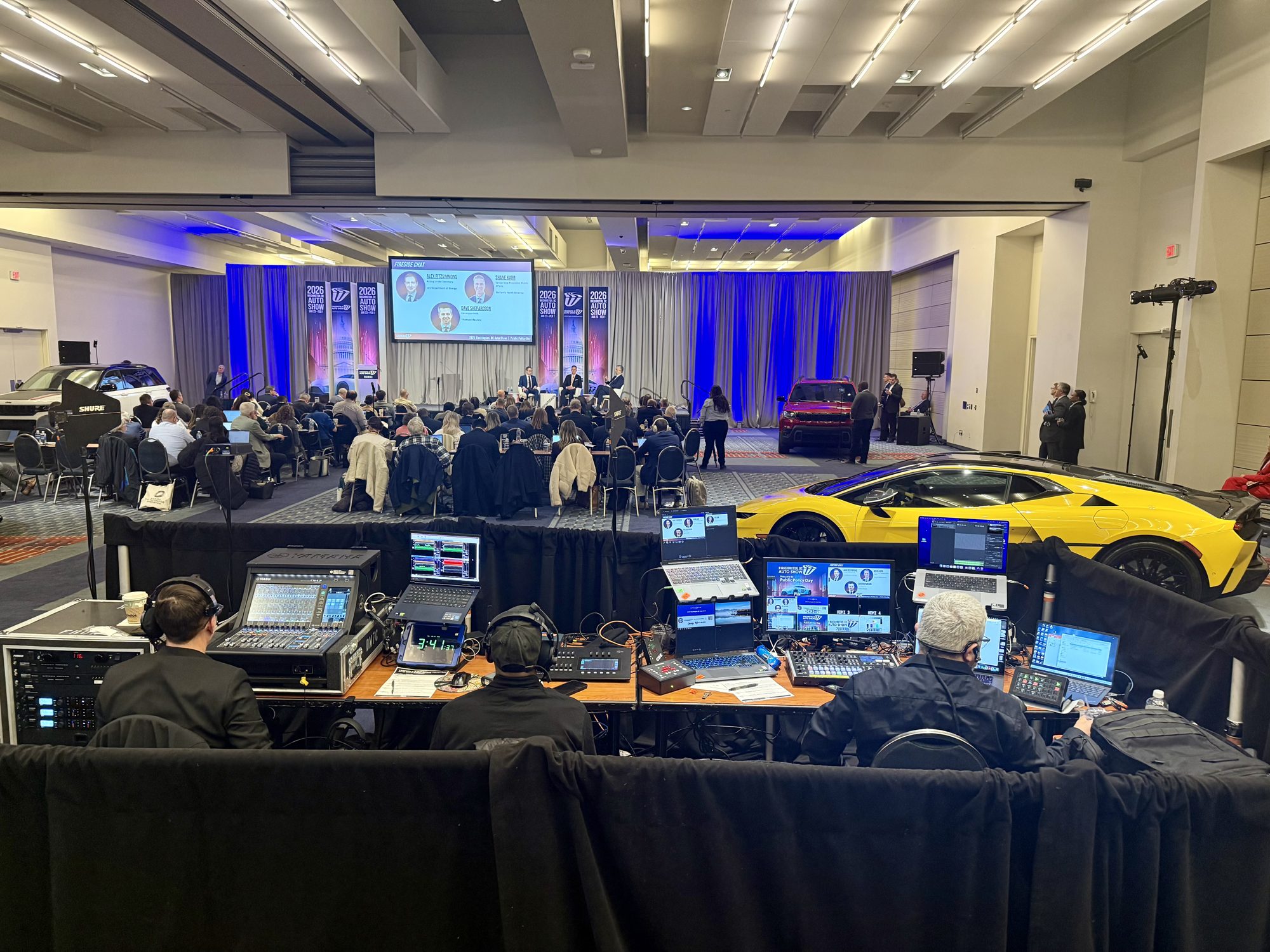
Multi-camera coverage and live switching. A single locked-off camera on a podium gives remote viewers no sense of pacing. Wide, medium, and close-up angles — cut by a director in real time — keep panel discussions and town halls legible and hold attention. Ask how many operators a provider deploys and whether the switch happens on site.
Redundancy at every layer. Internet path, encoder, and stream destination each fail independently. Buyers should ask separately how connectivity is backed up (bonded cellular, secondary circuit), whether a second encoder is standing by, and whether a backup stream runs in parallel.
Event-day technical direction. This is a distinct role from venue audiovisual support. Someone has to cue speakers, manage transitions between remote and in-room presenters, and watch the outbound feed rather than the room. Confirm in writing who owns that chair.
Also verify broadcast-grade audio, platform encoding for the destination you actually use — YouTube Live, Zoom Webinar, Microsoft Teams, Vimeo, or a private portal — and post-event file delivery for people who could not attend.
Compliance and accessibility for public-sector live streams
For federal audiences, accessibility is a scoping decision, not a post-event cleanup. Section 508 compliant delivery generally means live captions during the broadcast, corrected captions on the recording, lower thirds and slides with legible type and sufficient contrast, and a camera plan that keeps speakers — including any sign language interpreter — continuously visible rather than cut away from. Ask a prospective partner three concrete questions: what exactly will be captioned and by whom, how language support is staffed, and who signs off on the stream before it goes public.
Bilingual events add operational load, not just translation. Interpreters need audio feeds, a separate output or language channel, and rehearsal time; graphics need second-language versions built in pre-production; and speakers need pacing guidance so interpretation stays in sync.
Platform choice also carries review and privacy implications. RaffertyWeiss Media's live streaming page lists support for YouTube Live, Zoom Webinar, Microsoft Teams, Vimeo, and private or custom web portals — useful when an internal audience or a healthcare video production context rules out public distribution. Build those constraints into the run of show early.
Event types that call for a DC live streaming partner
Not every event needs a broadcast-style setup, but several common formats do.
Federal briefings and town halls. Start times are fixed, speaker handoffs are tight, and a dropped feed is visible to the whole agency. These events depend on on-site technical direction and a redundant backup path, not a single operator watching one encoder.
National conferences and association meetings. Multi-day, multi-session programs need consistent camera coverage, reliable switching between rooms or stages, and a plan for the remote audience — Q&A routing, captioning workflow, and post-event files for members who watched later.
Nonprofit fundraisers. The stream has to carry live remarks, recognize donors on screen, and keep remote participants connected to the room during the ask.
Corporate and multi-location programs. Teams running the same event across several sites need matched audio, graphics, and delivery at each one.
How to scope a live streaming project before you book
Before requesting proposals, write down five things: the event format (panel, town hall, congressional briefing, annual meeting), expected remote audience size, the destination platform, accessibility requirements such as captioning and Section 508 compliance, and whether the stream is public or gated to a registered audience. Those five answers determine nearly every line item that follows.
Then press vendors on operations. Ask how many crew members are on site and what each one does — camera operators, audio engineer, technical director, platform monitor. Ask how much rehearsal or tech-check time is built into the quote, what the backup connectivity path is if the venue network fails, and who holds final technical direction when something breaks mid-session.
Confirm platform support explicitly. Use the same checklist for any provider: YouTube Live, Zoom Webinar, Microsoft Teams, Vimeo, custom web portals, and private platforms, along with multi-camera setup, redundant backup streams, and post-event delivery.
Finally, settle delivery terms in writing: does the fee include the archived recording, edited segments, captions, or only the live feed? Applying identical criteria to every bidder — whether a corporate video production team in DC or an educational video production company — makes proposals genuinely comparable.
What a scoped live-streaming plan should include
A written plan — not a line-item quote — is what separates a dependable broadcast from an expensive gamble. Before signing, ask any provider to document five things in writing: the production design (camera count, switching approach, audio capture method), the redundancy path if the primary internet connection or encoder fails, the accessibility provisions such as captioning and Section 508 compliant deliverables, who holds technical direction on event day, and how the recording is delivered afterward for archiving or reuse.
Those five points should be answered differently for a congressional briefing than for an association annual meeting or a multi-location corporate town hall. A plan built around your audience size, venue, and destination platform — YouTube Live, Zoom Webinar, Microsoft Teams, Vimeo, or a private portal — will expose gaps that a generic package hides. The same discipline applies across related work: healthcare video production, educational programming, and public service announcement production each carry their own review and compliance requirements that belong in scope from the start.
RaffertyWeiss Media's live streaming service page describes multi-camera setups, broadcast-grade audio, platform encoding, redundant backup streams, and post-event delivery for federal agencies, nonprofits, universities, and corporations across Washington, D.C., Virginia, and Maryland.
To discuss your event, request a scoped live-streaming plan or a consultation with RaffertyWeiss Media.