Anyone can open Zoom and call it a webinar. That doesn’t make it a professional video event.
The difference shows up in two places. During the live session: how the presenters look and sound, how reliably the technical setup holds up, whether the audience feels like they’re watching something polished or improvised. And after the session: whether the recording is a meeting file or a piece of video content your team can use for the next year.
We approach webinars as video productions, because they are. We’ve produced virtual events and webinars for the Department of Education, AMGA, BrightFocus Foundation, Splunk, and BD Diagnostics, among others. The same multi-camera capture, broadcast-grade audio, and post-production standards we bring to federal training videos and association content apply here. The result is a webinar that looks like professional video during the event and holds up as professional video after.
This is what that process looks like, and what to expect when you want a webinar to work harder than a typical video call.
A Webinar Is a Video Production
The first decision about any webinar isn’t which platform to use. It’s what you want the recording to be worth six months from now.
If the answer is nothing, a standard video call setup is fine. If the recording needs to become a training asset, a lead-generation piece, a library of short clips, or part of an on-demand course, the production has to match that ambition from the start.
The difference is visible immediately. A webinar shot on a laptop camera with a USB headset looks like a meeting. A webinar shot with professional lighting, multi-camera coverage, and broadcast audio looks like video. The live audience feels the difference during the event. The repurposed content lives or dies on it afterward.
For organizations investing in content that needs to last, one webinar can generate multiple deliverables. The full recording, a chapter-edited training version, short-form clips for social and email, audio extractions for podcast use. One production, many uses.
Pre-Production: Plan the Event and What Comes After
Define Goals and Success Metrics
Before picking a platform or building slides, answer two questions. What should the live event accomplish? And what should the recording be worth after the event ends?
The first answer drives format. Lead generation, training, thought leadership, product launch, internal communications. Each one shapes tone, length, and structure.
The second answer drives production standards. If the recording needs to work as a standalone training video, the event needs chaptering, clean transitions, and minimal filler. If it’s a thought leadership piece, the segments have to be cuttable for short-form social. If it’s a member-only asset, the production can lean more conversational.
Success metrics lock in the rest. Attendance, engagement, Q&A participation, post-event conversions, asset reuse. Pick the ones that match the goals.
Build the Content and Timeline
Most presenters do better with a detailed outline than a word-for-word script. Key transitions and calls to action should be written out verbatim. Everything else should feel like a conversation.
Plan for 30 to 60 minutes. Shorter holds attention better. Reserve five to ten minutes for Q&A, and include a midpoint call to action.
A realistic timeline for a professionally produced webinar is four to six weeks. That covers content development, technical planning, at least one rehearsal, and enough post-production runway to turn the recording into usable content. Faster is possible. The output reflects it.
Pre-Production Checklist
- Live event goals and success metrics
- Post-event deliverables the recording needs to produce
- Confirmed speakers and format
- Structured outline with key talking points
- Scheduled rehearsals and a locked production timeline
This phase should feel more like preparing for a video shoot than scheduling an internal meeting. What you plan for is what the audience sees, and what your team gets to reuse afterward.
Technical Setup: Where Professional Video Starts
Camera, Lighting, and Audio
This is where most webinars feel like meetings and where ours feel like video.
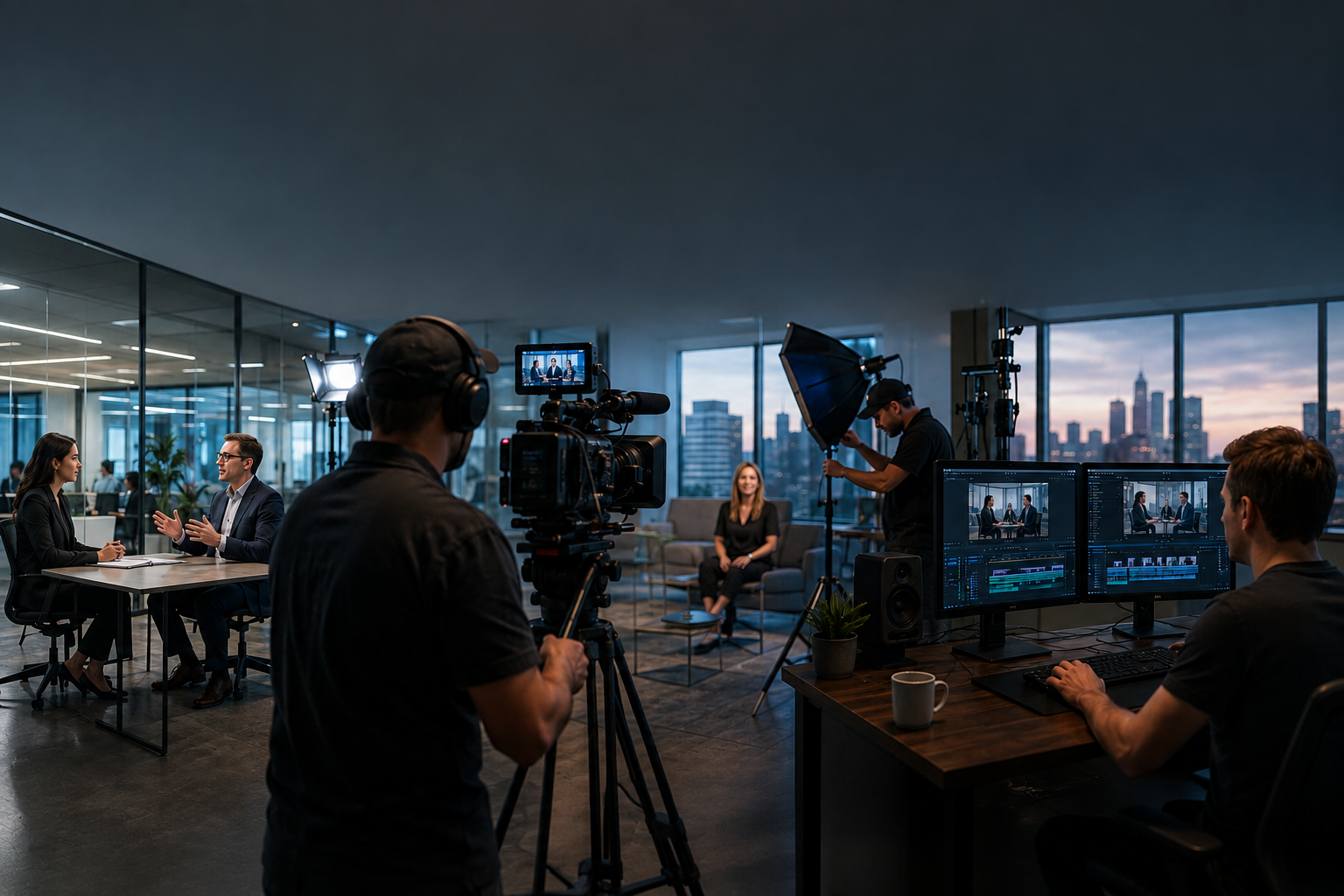
A laptop camera is a meeting tool. For a professional webinar, we bring proper cameras with clean image capture and depth of field that looks like broadcast, not like a call. For multi-presenter events, we use multiple cameras so the edit can actually cut between speakers instead of staring at a single talking head for an hour.
Lighting matters more than most teams realize. Front-facing lighting is the single biggest step up from a standard video call. Without it, presenters look flat and washed out, regardless of how good the content is.
Audio is the number one reason viewers drop off webinars. Laptop mics and USB headsets do not clear the bar. We record with broadcast-grade microphones and a professional audio tech. Clear sound is the difference between a webinar that feels credible and one that feels amateur. It also determines how well the recording can be captioned, trimmed, and repurposed afterward.
Environment and Connectivity
The background should support the message, not compete with it. A clean, organized space or a subtle branded setting. Background blur tested in advance if it’s being used.
Connection stability is non-negotiable. Wired Ethernet, not WiFi. Notifications off. Backup connection available. For high-stakes events with executive presenters, a studio setup with controlled lighting, reliable uplink, and a dedicated audio environment takes the variability out of the equation.
Platform Selection
Platform choice depends on audience size, interaction needs, and how the recording will be used downstream. Zoom Webinar for simplicity. ON24 or Microsoft Teams Live Events for larger or more structured events. The platform has to support the Q&A, polling, recording format, and output quality the post-production pipeline needs.
Hybrid Format: Pre-Recorded Segments in Live Events
One of the most reliable ways to raise production quality is to pre-record the presentation segments and integrate them into a live event. The introduction, the main content, and key demonstrations get filmed ahead of time under controlled conditions. Q&A and audience interaction stay live.
The result is a webinar that looks like a broadcast, runs on a predictable schedule, and holds up as a recorded asset afterward. For federal training content, association educational webinars, and executive thought leadership, this hybrid format is the strongest option.
Webinar Setup Checklist
- Camera framing and lighting confirmed
- Microphone levels and audio quality tested
- Internet stability checked, backup ready
- Screen sharing and slide transitions verified
- Recording format and quality confirmed
- Platform settings and permissions reviewed
Running these checks early means any issues get fixed without pressure. Running them the hour before is how webinars go sideways.
Presenter Preparation
Create a Run-of-Show
A run-of-show turns a webinar from a loose presentation into a managed production. It maps out the session minute by minute: who’s speaking, when slides change, when transitions happen, when pre-recorded segments roll.
Roles are defined: presenter, moderator, producer. Cues for Q&A and audience interaction are written in. When the run-of-show is clear, the event feels coordinated. When it isn’t, every transition is a risk.
Rehearsal
A full rehearsal inside the actual platform is one of the most valuable steps in the whole process. Running the presentation confirms timing, slides, transitions, and flow before the audience joins.
Schedule the rehearsal at least 48 hours ahead. That gives presenters time to adjust and gives the production team time to fix what needs fixing.
On-Camera Coaching
Presenters should be comfortable on camera. We coach delivery, pacing, and on-camera presence before the event goes live. For executives and subject-matter experts who don’t present regularly, this matters more than most people expect. Most people get visibly better with one session.
Engagement gets planned, not improvised. Polls, chat prompts, Q&A moments. Prepared backup questions in case audience participation starts slow.
Production Day
Pre-Event Setup
Open the session about 30 minutes before the audience joins. Use that time to settle presenters and confirm audio, video, slides, recording, and screen sharing.
This is the virtual green room. It’s the difference between a calm start and a rushed one.
Managing the Live Event
Roles stay defined during the event. Presenter focuses on delivery. Moderator manages chat and Q&A. Production team handles the technical side, monitors the recording, and addresses platform issues if they come up.
Engagement prompts every ten to fifteen minutes keep the audience in the session. Don’t interrupt the flow. Use them where they fit.
Live Event Checklist
- Audio and video checks for every speaker
- Recording enabled and confirmed
- Participants muted on entry when appropriate
- Backup dial-in or connection available
- Point person identified for technical issues
Redundancy is the whole point. If something fails, a second option takes over.
Post-Production: Where the Webinar Becomes a Video Asset
This is where professional webinar production separates from meeting recording. For our clients, it’s also where the long-term value shows up.
Editing the Full Recording
The raw recording gets cleaned up. Dead air, technical interruptions, awkward transitions, extended Q&A lulls. All trimmed or removed.
Simple production elements make the recording watchable long after the live session. Lower thirds, intro and outro graphics, chapter markers for on-demand navigation, title cards between segments. Just enough to make the recording feel like a finished video.
Building Short-Form Content
One well-structured webinar produces a library of short-form assets. Two to three minute highlights for social and email. One-minute clips for LinkedIn. Direct-to-camera explainer segments pulled from the presentation and repurposed as standalone training pieces.
This is where planning pays off. A webinar structured around clear segments with strong on-camera delivery cuts cleanly. A webinar structured around scroll-heavy slides doesn’t.
508 Compliance for Federal and Government-Adjacent Content
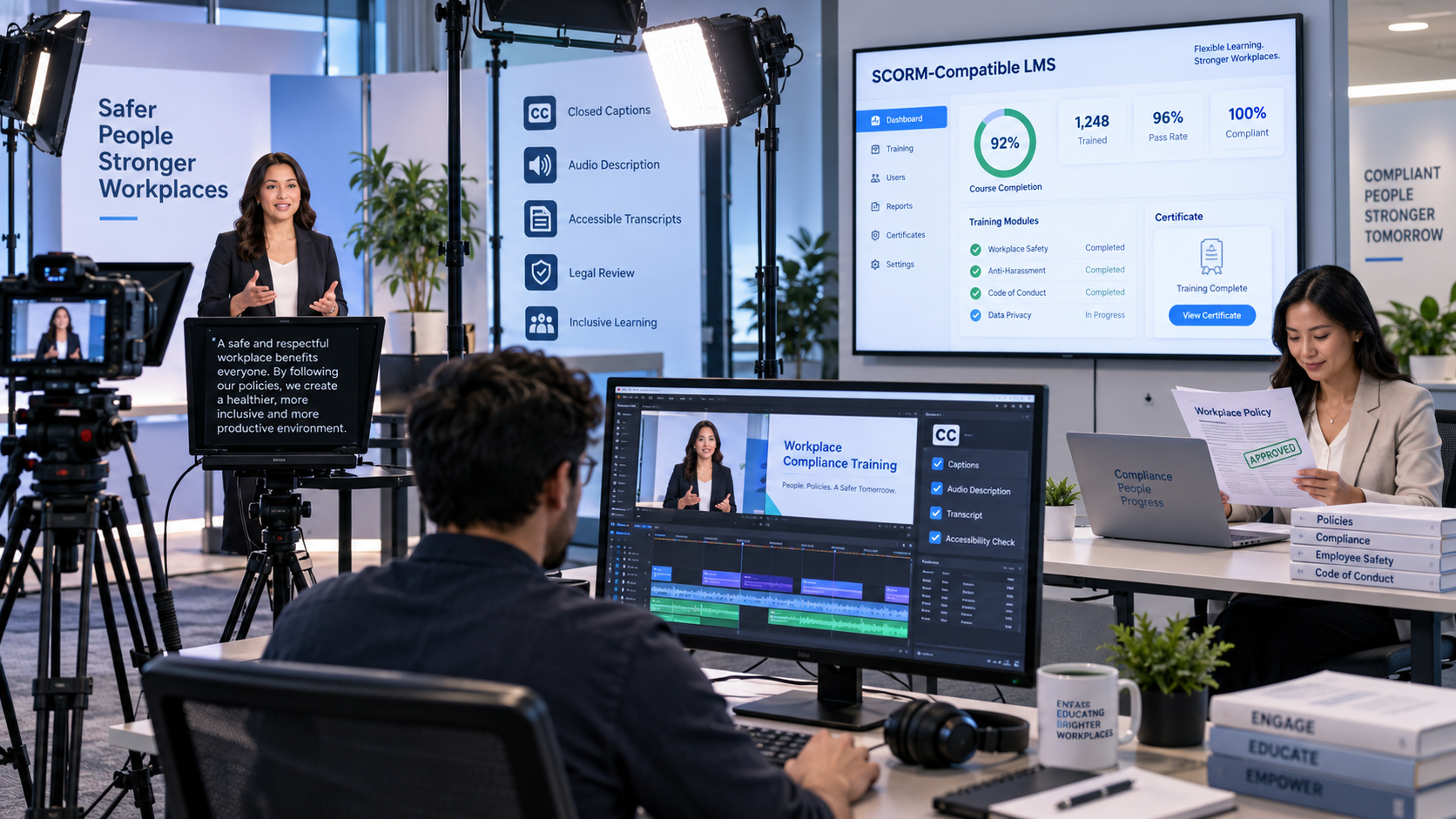
For federal agencies, federally funded programs, and organizations producing training content for government audiences, the recording needs to meet Section 508 accessibility standards. That means accurate human-reviewed captions, a compliant transcript, and audio description when visual content isn’t fully covered in the spoken audio.
Planning for this during pre-production and production simplifies post. We’ve been building 508 compliance into federal video content for more than 25 years, and it applies the same way to webinar recordings intended for federal or government-adjacent use.
Distribution and Repurposing
Send the recording to attendees quickly while the session is still fresh. From there, the recording supports on-demand viewing, follow-up campaigns, and a content library that keeps working. Blog posts built from key segments. Email sequences anchored on short clips. A single webinar, well-produced, can generate weeks of content downstream.
When Professional Production Matters
When a Simple Setup Works
Smaller internal sessions. Low-stakes content. Familiar audiences. Basic setup is fine for limited internal use where the recording isn’t going anywhere else.
When Professional Production Pays Off
External-facing webinars. Client and member presentations. Public events. Federal training content that needs to meet accessibility standards. Thought leadership aimed at audiences who don’t know your organization yet. Multiple presenters. Complex visuals. High-stakes audiences. Content the recording will be reused for months afterward.
Any of these raises the cost of things going wrong, and any of them means the recording matters as much as the live session.
What a Production Team Actually Does
Pre-production planning. Multi-camera capture. Broadcast audio. Professional lighting. Technical direction during the event. Presenter coaching. Post-production editing, chaptering, short-form cutouts, 508 compliance, and distribution-ready deliverables.
The point is simple. Your team stays focused on the message. We handle the production.
Frequently Asked Questions
Hosting means opening a platform and inviting attendees. Producing means strategic planning, broadcast-quality video capture, technical oversight, rehearsal support, live event management, and post-production that turns the recording into usable content. The first is a meeting. The second is a video production.
Proper cameras with clean image capture, front-facing lighting, broadcast-grade microphones, and a wired internet connection. Audio matters most. Poor sound is the most common reason viewers disengage. The equipment also shapes how well the recording can be repurposed afterward. A webinar shot on a laptop camera never cuts into a clean training video, no matter how good the content is.
Four to six weeks for a professionally produced event. That covers content development, promotion, internal review, technical planning, and rehearsal. A full technical run-through should happen at least 48 hours before the event.
The event timeline, speaker roles, slide transitions, pre-recorded segment cues, audience interaction points, timing cues, and Q&A segments. It’s the shared roadmap for the production, not just an agenda.
Yes. For many professional webinars, it's the strongest approach. Pre-recording the main presentation under controlled conditions raises production quality, removes live delivery risk, and produces a recording that holds up as a standalone video asset. Q&A and audience interaction stay live.
External-facing events, federal training content, executive presentations, multi-presenter events, and any webinar where the recording needs to work as video content afterward. If the event matters and the recording has to last, professional production is what makes both possible.
Why Production Quality Matters
A well-produced webinar isn’t a lucky outcome. It’s the result of treating the event like a video production, from the technical setup through post. Done that way, a webinar does two jobs at once. It delivers a credible live experience, and it leaves your team with a professional video asset that keeps working for months.
RaffertyWeiss Media has spent more than 25 years producing broadcast-quality video content for federal agencies, associations, nonprofits, and corporate clients from our Bethesda, Maryland studio. Our virtual event and webinar clients include the Department of Education, AMGA, Beer Institute, BrightFocus Foundation, FourBlock, Pharmacy Quality Alliance, GirlUp, United to Beat Malaria, Catholic Charities, KidSave, Washington Jesuit Academy, WANADA, the Japanese Embassy, the Embassy of Spain, Splunk, and BD Diagnostics. Whether you’re producing a thought leadership webinar, a federal training event, or a member-facing virtual session, we bring the same video production standards to the live event that we bring to every other piece of video work. If that’s the kind of webinar you want to produce, that’s the kind of work we do.
.webp)