Introduction
Section 508 of the Rehabilitation Act requires federal agencies and any organization receiving federal funding to make digital content accessible to people with disabilities. That includes video. If you're producing content for a government audience, Section 508 compliance isn't optional. It's part of the deliverable.
We've produced 508 compliant video for NIH, CDC, SAMHSA, CMS, DOL, and DoD for more than 25 years. This guide walks through what compliance actually means in practice, what to expect from the production process, how captions, audio descriptions, and transcripts fit into final delivery, and why accessibility has to be built in from the start instead of bolted on at the end.
What Is Section 508 and Who Does It Apply To?
Section 508 is part of the Rehabilitation Act. It requires federal agencies to make the information and communication technology they develop, procure, maintain, or use accessible to people with disabilities. The Revised Section 508 Standard became mandatory in January 2018 and incorporates WCAG 2.0 Level A and AA requirements.
For organizations working with government clients, the requirement shows up in a few places:
- Federal agencies producing their own content
- Contractors and vendors producing digital content for federal use
- Organizations creating video as part of federally funded deliverables
For video specifically, Section 508 covers time-based media. That's why captions, transcripts, audio descriptions, and accessible media players all factor into the final deliverable. Related obligations can also come up under Section 504 or the ADA depending on the audience and use case.
The Four Core Requirements for a Section 508 Compliant Video
Four accessibility elements need to be addressed in every Section 508 compliant video.
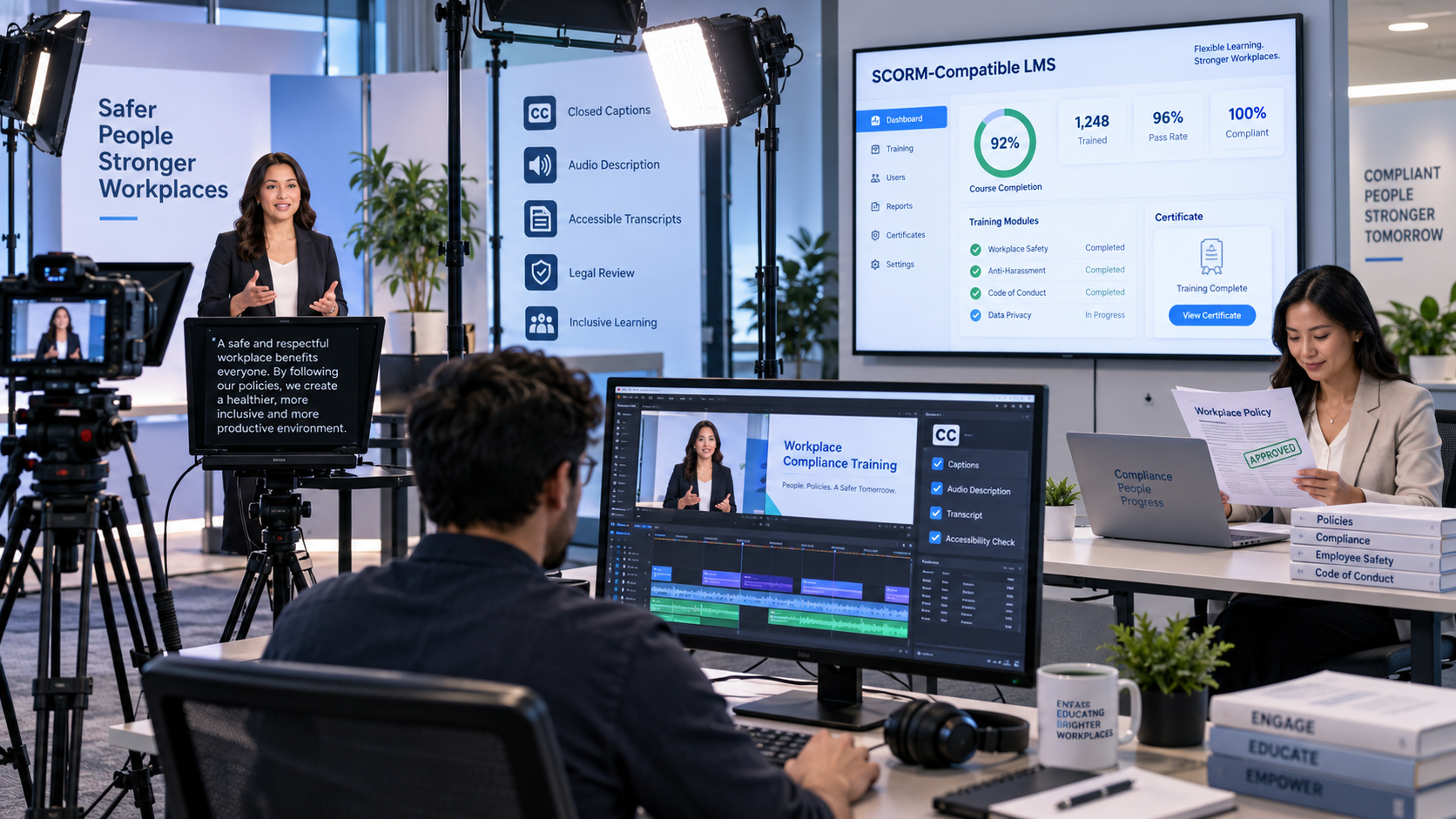
Captions give viewers who are deaf or hard of hearing a synchronized text version of all spoken dialogue and meaningful audio. They need to be accurate, time-synced, and reviewed by a human. Auto-generated captions don’t meet the standard on their own.
Audio descriptions explain important visual information that isn’t already conveyed through dialogue or narration. This includes key actions, scene changes, on-screen text, and speaker identification when those details aren’t clear from the audio alone.
Transcripts provide a complete text version of the video, including spoken content and relevant visual context. They need to be delivered in an accessible format like HTML or a tagged PDF.
Accessible media players make sure the video is actually usable. A compliant player supports keyboard navigation, works with screen readers, lets users control captions and playback, and provides a visible focus indicator.
These requirements apply to pre-recorded video, which covers most training, communications, and educational content. On-screen text contrast and autoplay behavior also affect the overall accessibility of the viewing experience.
Captions: The Most Visible Part of a Section 508 Compliant Video
Captions get the most attention because they're the most visible, and they require the most attention to detail.
Auto-generated captions don’t meet the standard. Section 508 requires captions to be accurate and time-synced, which means every file has to be reviewed and corrected before delivery.
A compliant caption file includes:
- All spoken dialogue, captured accurately and in sync
- Speaker identification when multiple people are talking
- Meaningful sound cues like [applause], [music], or [laughter]
- Proper punctuation and capitalization
- Timing aligned tightly with the audio
- Placement that does not block important on-screen text
Caption files are delivered in SRT, VTT, or SCC depending on the hosting platform. Closed captions, which can be toggled on and off, are preferred over open (burned-in) captions because they give viewers more control and work better with accessible players.
Audio Descriptions: The Most Overlooked Requirement
Audio descriptions are required when important visual information isn't conveyed through dialogue or narration. That includes:
- On-screen text that is not read aloud
- Charts or demonstrations that carry essential meaning
- Facial expressions or gestures that affect interpretation
- Action sequences or scene changes that are not clear from the audio alone
There are two ways to handle this. We can build the necessary visual context directly into the script and narration, which creates a smoother viewing experience and is easier to manage when accessibility is planned early. Or we can create a separate audio description track after filming, which requires natural pauses in the dialogue or an alternate version of the video.
Addressing audio description during scripting saves time, money, and rework. When it’s left until post, it means re-recording narration or building a second version.
Transcripts: More Than a Script
A transcript isn’t the shooting script. For Section 508 compliance, the transcript has to reflect the final delivered piece and include both the spoken content and the relevant visual context.
A complete transcript includes:
- All spoken dialogue
- Descriptions of relevant visual information
- Context for meaningful sounds
Transcripts serve accessibility requirements, but they also support internal documentation, search, and reference. Federal clients use the transcript as a reviewable record before final delivery. Delivery format matters: HTML or tagged PDF, not a plain Word doc.
How We Build Section 508 Compliance Into the Production Process
Pre-Production
At this stage we:
- Build key visual information into the narration when appropriate
- Reduce reliance on text-only visuals that create accessibility gaps
- Identify where audio description will be needed before production begins
When the core message is carried by clear narration, the path to compliant delivery is shorter and more reliable.
Production
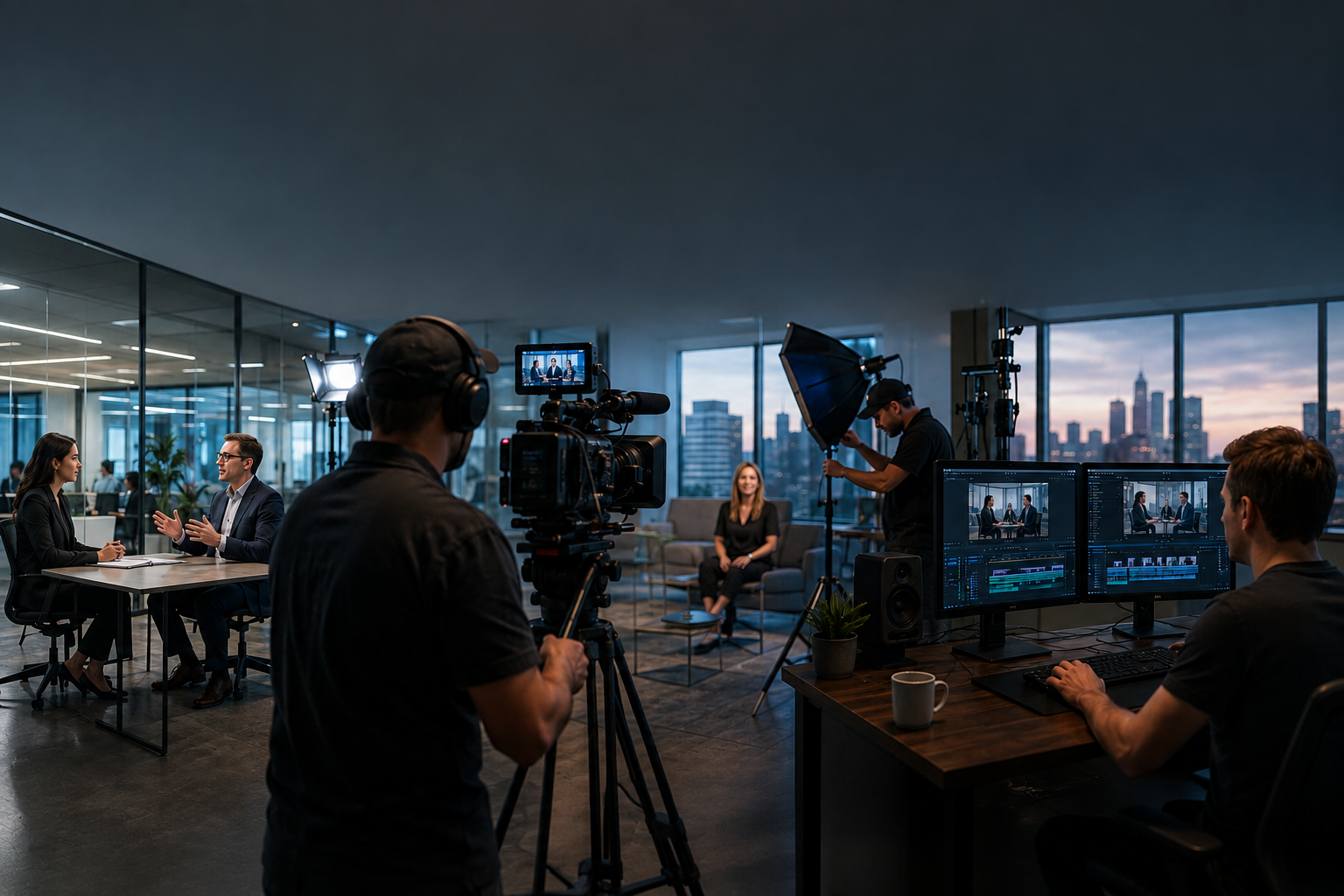
Clean audio is the foundation. Accurate captions depend on it, and unclear spoken content slows the entire post-production pipeline. We also make sure the story does not rely entirely on visuals. When narration carries the core message, the piece is easier to adapt for captions, transcripts, and audio description.
Post-Production
This is where the accessibility elements come together:
- Captions are drafted, reviewed, and corrected
- Audio descriptions are produced when needed
- A complete transcript is prepared
Auto-generated captions can be a starting point. They aren’t the final product. Every caption file is reviewed and corrected before delivery.
Delivery
A video isn’t fully Section 508 compliant until it's delivered in an accessible format with the required supporting materials. A typical delivery package includes:
- Caption files in SRT or VTT
- A transcript document
- An audio-described version or separate description track when required
- Confirmation that the video player or hosting environment supports accessibility
The player matters as much as the video. Keyboard navigation, screen reader compatibility, user control over captions. All of it has to work. Well-produced content can still fall short if the delivery environment isn’t accessible.
What to Look for in a Production Partner
Not every production company handles accessibility well. The gaps show up after filming or during final delivery, when there’s no time to fix them.
Before you hire anyone, get clear answers to these questions:
- Are captions reviewed by a human or generated automatically?
- Can you produce audio description tracks?
- What caption formats do you deliver?
- What is your experience with federal or federally funded projects?
We've been producing video for federal clients for more than 25 years. Accessibility is built into our workflow, from scripting through delivery, because it has to be.
Frequently Asked Questions About Section 508 Video Compliance
Section 508 is a federal requirement that digital content, including video, be accessible to people with disabilities. It applies to federal agencies, contractors, and organizations receiving federal funding. Video falls under synchronized media, which means both audio and visual elements have to be accessible.
No. Auto-generated captions alone aren’t accurate enough to satisfy compliance, especially for technical or policy-driven content. Captions have to be reviewed, corrected, and time-synced by a human before delivery.
Audio descriptions are narrated explanations of important visual elements that aren’t conveyed through the main audio. They're required when viewers would otherwise miss key information: on-screen text, charts, demonstrations, scene changes. They can be built into the script from the start or added as a separate track in post. Planning for them early saves time and cost.
Any organization creating video for federal agencies, federally funded programs, or federally procured deliverables. That includes federal agencies, contractors, universities, nonprofits, and associations producing workplace or public-facing content for government use. If the video is intended for federal use or distribution, it needs to be 508 compliant.
We plan for it from the start. Scripts account for spoken descriptions of key visuals. Production captures clean audio that supports accurate captioning. Post finalizes captions, transcripts, and audio descriptions. Because these elements add real work to post-production, building them into the schedule early is what prevents last-minute fixes.
Conclusion
Producing Section 508 compliant video is straightforward when accessibility is built into the plan from day one. It gets expensive and complicated when it’s treated as an afterthought.
RaffertyWeiss Media has been producing video for federal agencies, contractors, and nonprofits from our Bethesda, Maryland office for more than 25 years. If you're planning a project that needs to meet 508 standards, the right time to talk about accessibility is before the script is written, not after the video is delivered.
.webp)