Building Trust and Clarity Through Effective Visual Walkthroughs

Quick Summary / Key Takeaways
- Start with the problem your audience is trying to solve, not the features you want to highlight. Relevance drives engagement. Features drive skip rates.
- Pacing and clarity matter more than production budget. A well-scripted, focused demo outperforms an expensive one that buries the point.
- Every effective product demo starts with a strong script. Visuals follow the narrative. Never the other way around.
- Use real operational scenarios. Generic walkthroughs don't help buyers picture themselves using the product. Specific ones do.
- Completion rate tells you whether your demo is working. Watch time data shows you exactly where it stops working.
Introduction

Describing how a complex software platform works in a sales email is an uphill battle. Showing it in a two-minute demo video is a different conversation entirely. We've been producing product demo content for corporations, associations, and federal clients for more than 25 years, and the consistent pattern is this: buyers who watch a well-made demo arrive at the next conversation already sold on the category. Your job shifts from explanation to confirmation.
A product demo video works because it puts the solution in context. Viewers don't have to imagine how it fits into their workflow. They see it. That's the difference between a prospect who needs three more calls to move forward and one who shows up to the first call asking about implementation timelines.
At RaffertyWeiss, our demo video process runs from discovery and strategy through scripting, storyboarding, and production. We don't start shooting until the messaging is locked and the audience is defined. That structure is what separates a video that converts from one that fills a library tab nobody visits.
Product demo videos serve multiple functions: explaining offerings to prospects, demonstrating use cases for evaluators, and supporting internal alignment across sales and communications teams. Done right, they're one of the most cost-efficient communication tools a product organization can own.
Product Demo Video Styles and Use Cases
Video TypePrimary Use CaseProduction EffortTypical LengthScreencastSoftware tutorials and step-by-step platform walkthroughsLow2-5 minutesLive ActionPhysical products and real-world demonstrationsHigh1-3 minutesAnimationAbstract concepts and process visualizationMedium60-90 secondsHybridComplex platforms and multi-layered systems or workflowsHigh2-4 minutes
Key Performance Indicators for Video Communication Effectiveness
Metric NameWhat It MeasuresTarget GoalOptimization TipPlay RateInitial interest and audience relevanceOver 30%Use thumbnails and titles that match the context where the video is placedCompletion RateContent clarity and sustained viewer engagementOver 60%Tighten pacing and cut anything that doesn't move the narrative forwardClick-Through RateAudience response to the call to actionOver 5%Make CTAs specific, timely, and directly tied to viewer intentBounce RateAlignment between video content and page placementUnder 20%Match video messaging closely to the page it lives on
Product Demo Video Pre-Production Checklist
- Finalize the script and storyboard before production begins. Sequence, pacing, and visual logic all need to be solved on paper first.
- Check audio levels and eliminate background noise. Unclear audio kills a demo faster than any visual shortcoming.
- Set up three-point lighting for live action sequences. Clean, professional framing keeps viewer focus on the product, not the production.
- Test all recording equipment and screen capture software before the shoot. Technical failures mid-production cost time and money.
Product Demo Video Review and Distribution Checklist
- Review viewer retention data to find drop-off points. Those are editorial problems, not viewer problems. Fix the content.
- Gather feedback from sales and communications teams before final distribution. They know what questions prospects are actually asking.
- Update the video when the product changes. An outdated demo creates confusion and erodes trust in the sales process.
- Distribute across appropriate channels based on audience and stage. A top-of-funnel awareness video and a late-stage evaluation demo belong in different places.
Table of Contents
Section 1: FUNDAMENTALS OF DEMO CONTENT
1. What defines an effective product demo video in organizational communication?
2. How long should a product demo video be for clear and effective communication?
Section 2: BUSINESS VALUE AND STRATEGY
3. Why is product demo video production important for B2B?
4. What platforms are best suited for hosting product demo videos in organizational communication?
Section 3: CREATION AND EXECUTION
5. How should organizations script an effective product demo video?
6. Should organizations use professional voiceovers in product demo videos?
Section 4: RESULTS AND OPTIMIZATION
7. How can organizations evaluate the impact and return of a product demo video?
8. What equipment is needed for high-quality product demo video production?
Frequently Asked Questions
Section 1: FUNDAMENTALS OF DEMO CONTENT
FAQ 1: What defines an effective product demo video in organizational communication?
An effective product demo video solves a specific problem for a specific viewer. It doesn't open with a company overview or a feature checklist. It opens with the situation your audience is already in and immediately shows how your product changes it. We've seen demos fail for one consistent reason: they're built around what the organization wants to say rather than what the buyer needs to understand.
Visuals should be purposeful and clean. Narration should sound like a knowledgeable person explaining something clearly, not a script being read. And the video should end with a next step that's obvious and easy to take.
Structure matters as much as content. The best demos we produce follow a simple arc: here's the problem, here's how the product addresses it, here's what that looks like in practice, here's what to do next. Four beats. Everything else is noise.
Takeaway: Build your demo around the viewer's decision, not your product's features. Answer the question they're already asking before they ask it.

FAQ 2: How long should a product demo video be for clear and effective communication?
Two to five minutes covers most product demos. That range gives you enough time to establish context, demonstrate the product in a real scenario, and close with a clear call to action. Anything longer needs a strong justification.
For complex platforms with multiple use cases, the better approach is a series of focused, topic-specific videos rather than one comprehensive walkthrough. A three-part series of two-minute demos gets watched. A ten-minute mega-demo gets abandoned at the two-minute mark.
We've produced demo content for federal agencies with multi-step procurement workflows and for corporations with layered SaaS platforms. In both cases, modular structure outperforms comprehensive coverage. Viewers navigate to what they need. They don't sit through everything hoping to find it.
Takeaway: If your demo needs more than five minutes, break it into a series. Respect the viewer's time and they'll give you more of it.
Section 2: BUSINESS VALUE AND STRATEGY
FAQ 3: Why is product demo video production important for B2B communication and decision-making?
B2B buyers need to see a product working in a context they recognize before they'll invest time in deeper evaluation. A written description of a software platform doesn't answer the question a procurement officer or department head is actually asking: does this fit into what we already do, and will it create problems for my team? A well-made demo answers that question directly.
Video also scales in ways that live demos can't. A sales team can only run so many product demonstrations per week. A well-produced demo video runs every time someone lands on the product page, gets forwarded in an internal approval chain, or shows up in a procurement review meeting. It's a consistent, on-demand asset.
We've produced demo content for organizations navigating complex stakeholder environments, including federal agencies and large associations where multiple decision-makers need to align before anything moves forward. In those contexts, video reduces ambiguity and gives every stakeholder in the chain the same baseline understanding.
Takeaway: Treat your demo video as a sales team member that works every hour of every day. Build it with that standard in mind.
FAQ 4: What platforms are best suited for hosting product demo videos in organizational communication?
Platform selection depends entirely on how the video will be used and who needs to see it. YouTube supports broad discovery and search visibility, which makes it the right choice for top-of-funnel content. Wistia gives you detailed engagement analytics and viewer-level data, which is more useful when you're tracking how prospects interact with a demo in a sales sequence. Vimeo offers clean, distraction-free playback for stakeholder presentations and controlled distribution environments.
For federal or enterprise clients where access controls matter, private hosting with single-sign-on integration is often the right call. Public YouTube links don't belong in a procurement-sensitive environment.
The mistake we see most often is treating platform selection as an afterthought. It should be part of the production brief. Where the video lives affects how it's titled, how it's structured, and what analytics you'll be able to use to improve it.
Takeaway: Decide where the video lives before you build it. Distribution context shapes production decisions.
Section 3: CREATION AND EXECUTION
FAQ 5: How should organizations script an effective product demo video?
The script is the most important document in any video production. Everything downstream, from casting to shot selection to edit pacing, follows from it. A weak script produces a weak video regardless of production quality. We've seen high-budget demos fail because the script was built around internal talking points rather than viewer needs.
Start with the problem. Establish the situation your viewer is in before you introduce the product. Then show the product solving that specific problem in a realistic scenario. Keep language conversational and specific. Avoid feature lists. Avoid jargon that sounds internal.
Read the script out loud before production starts. Every time. This is non-negotiable. Sentences that look clean on the page often fall apart when spoken. Pacing problems surface immediately. Unclear phrases become obvious. A script review session saves time and money in production.
Takeaway: Write for the ear, not the page. If it sounds awkward when spoken aloud, rewrite it before the camera rolls.
FAQ 6: Should organizations use professional voiceovers in product demo videos?
Professional voiceover is worth the investment for any demo that will be used repeatedly or distributed broadly. A trained narrator understands pacing, emphasis, and how to sustain clarity across a full script without sounding like they're reading. That consistency matters when you're producing multiple videos that need to feel like they belong together.
Internal voices work well in specific contexts, particularly for testimonial-style content or direct-to-camera segments where authenticity is the point. But for primary narration over a product walkthrough, internal voices often introduce inconsistency and pacing problems that are expensive to fix in post.
Voice selection should match the audience. A demo for a federal agency procurement team needs a different tone than one for a consumer SaaS product. We brief voiceover talent on the audience, not just the script, because delivery style affects how the information lands.
Takeaway: Match the voice to the audience, not just the brand. The right delivery makes the content easier to trust.
Section 4: RESULTS AND OPTIMIZATION
FAQ 7: How can organizations evaluate the impact and return of a product demo video?
Define success before production starts. The organizations that get the most value from their demo video investment are the ones that know what they're measuring before the first frame is shot. "More engagement" isn't a metric. "Increased demo-to-meeting conversion rate by 20% over the next quarter" is.
For sales-facing demos, track how the video affects pipeline velocity. Do prospects who watch the demo before a first call move faster? Do they ask better questions? Do they require fewer follow-up conversations to reach a decision? Those are the indicators that matter.
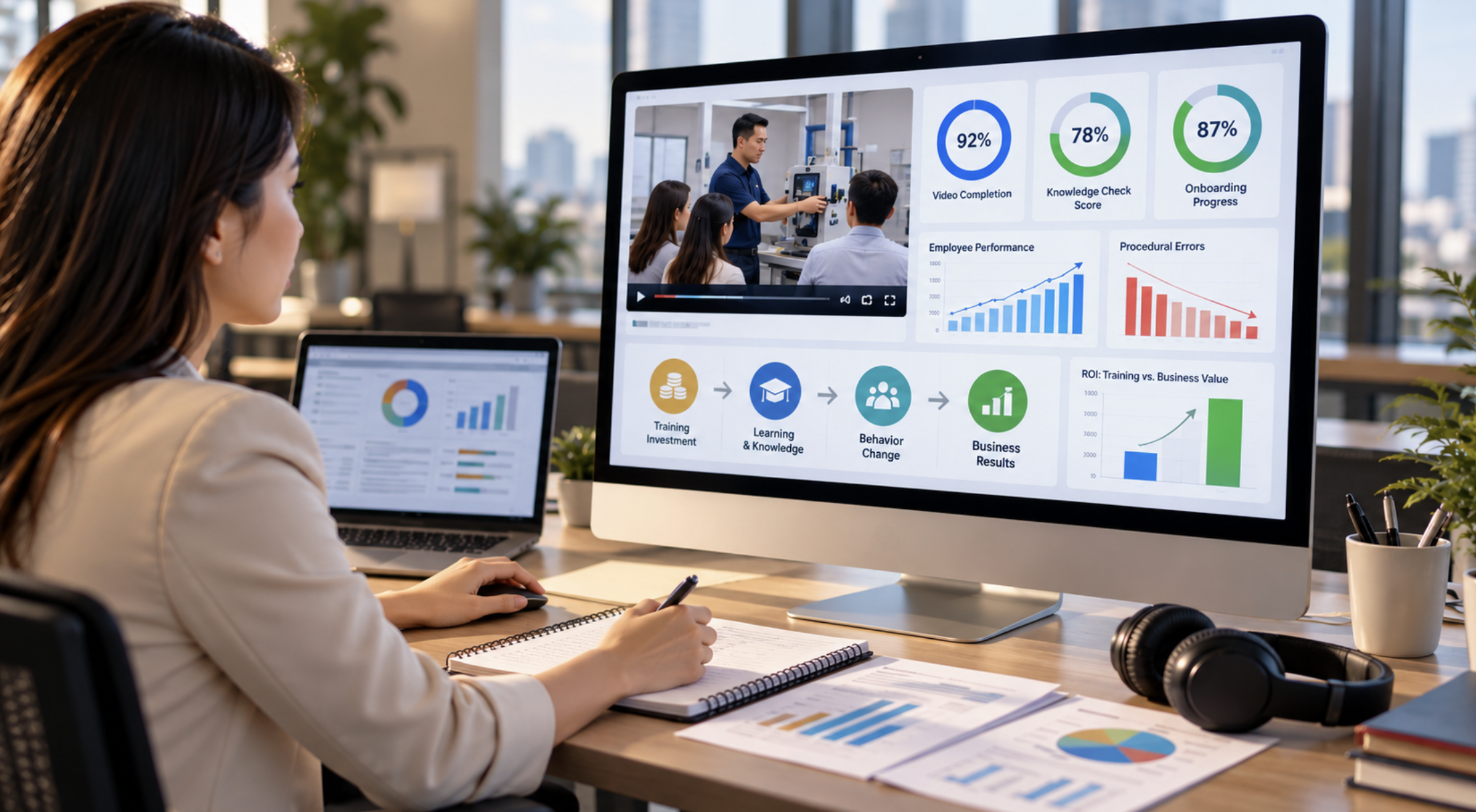
Engagement data tells a parallel story. Completion rate shows whether the content holds attention. Drop-off data shows where it doesn't. Rewatch behavior on specific segments signals what viewers find most valuable. Use that data to improve the next version, not just to report on the current one.
Takeaway: Optimization is a discipline, not a one-time task. Build a review cycle into your demo video program from the beginning.
FAQ 8: What equipment is needed for high-quality product demo video production?
Audio quality is the single most important technical factor in any video production. Viewers will tolerate imperfect visuals. They won't tolerate audio that's hard to follow. A quality directional microphone and a quiet recording environment are worth more than a camera upgrade.
For live action demos, a reliable camera at 1080p or higher, three-point lighting, and a stable tripod cover the fundamentals. Lighting eliminates the amateur look faster than any other single investment. Shadows and uneven exposure are visual signals that undermine credibility regardless of how strong the product is.
For software screencasts, capture software like Camtasia or ScreenFlow handles recording reliably. The production value comes from the script and edit, not the recording tool. Clean interface design, deliberate cursor movement, and tight pacing do more for a screencast than any piece of capture hardware.
We run full broadcast-quality production for clients who need it. But we also know that many effective demos are produced with modest equipment and strong fundamentals. The gap between a professional result and an amateur one is almost always in the script, the lighting, and the audio, not the camera.
Takeaway: Spend your equipment budget on audio first, lighting second, camera third. That's the order that actually affects viewer experience.
Article Summary
Learn how a professional product demo video can simplify complex features, build trust, and drive conversions through clear visual storytelling and purpose.
.webp)